
Use the elevator with confidence
After handover, residents need to know who may ride, how charges work and whom to contact. Each answer should follow the rules and service channels of their own project.
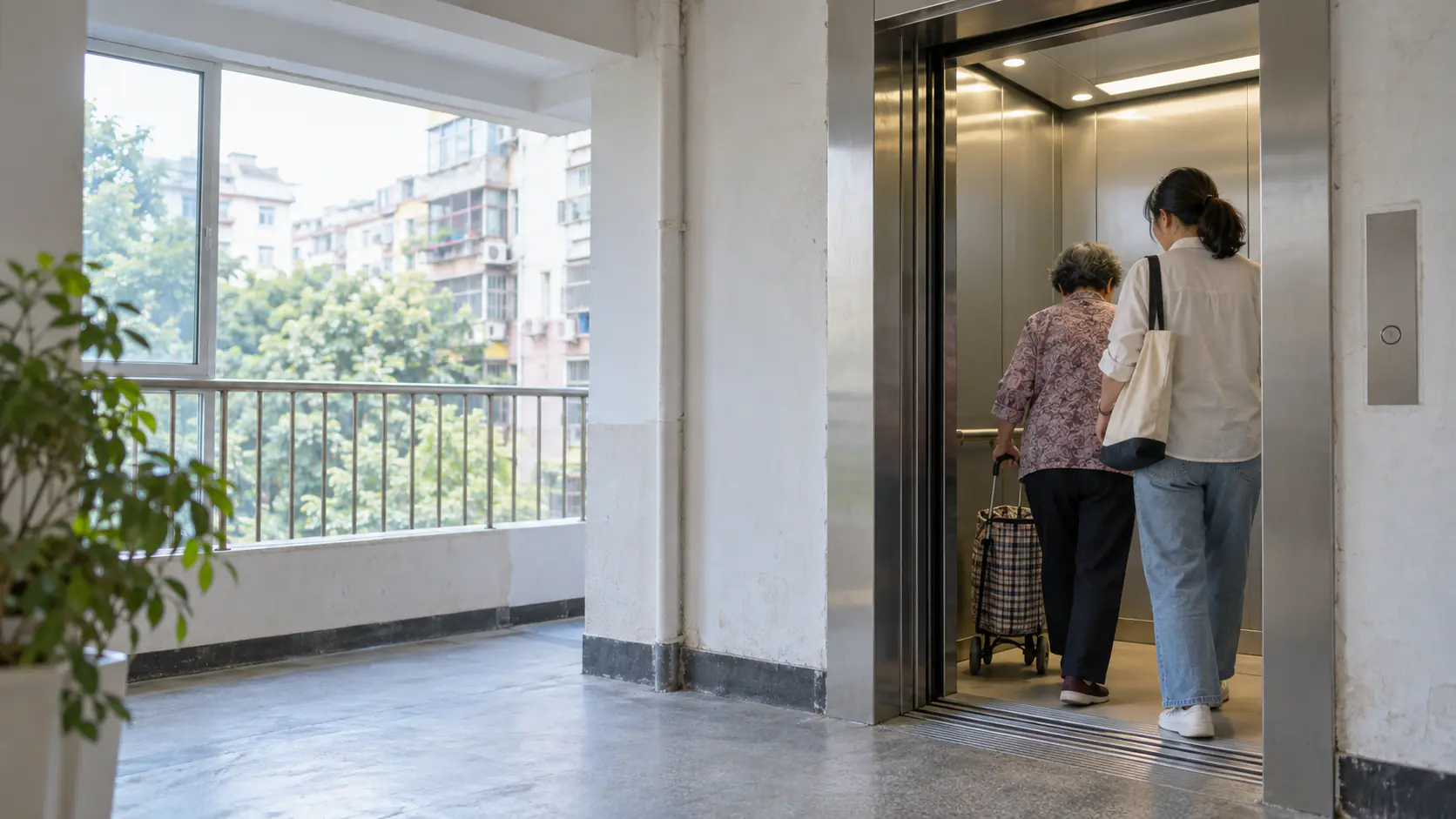
Check access for residents, family and visitors
A project may set ride and floor permissions for residents and family members, and may offer visitor access under its rules. Registration, identification and personal data handling depend on the actual project configuration and published guidance. Facial recognition is not required at every site.
Read the fare rules for your building
Ride prices, up and down fares, family payments and other payment methods follow the specific project plan and agreement. Check on-site notices or the project service channel; a price in an old news report is not a current universal fare.
Review trips and report problems
The platform may retain access and trip records so users can check permissions, charges and unusual transactions. For a fault, account issue or billing question, contact the operator, maintenance provider or support channel published for your project.
Where can I find ride rules?
Check your project's published fares and service channels first; see the FAQ for general questions.