
How residents ride
In a shared elevator project, residents first receive access, then ride and check orders and charges under their building's rules. Visitor access and identification methods depend on the project's setup.
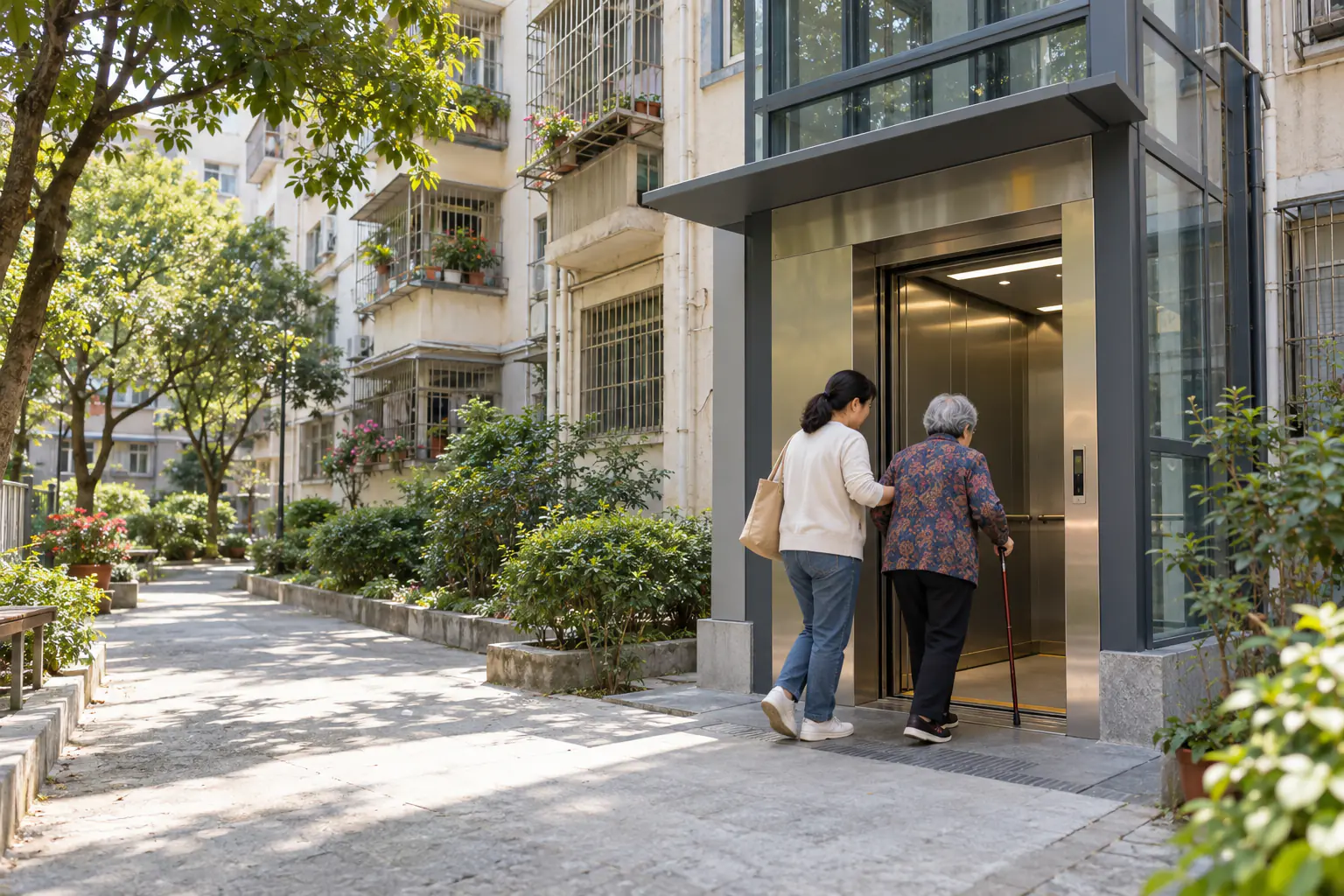
Confirm who has access
Residents, family and visitors may receive different access and floor rights. The system supports household links, QR codes and facial recognition, but each project chooses what to enable and must protect personal information.
Project rules set the fare
The platform can set different up and down fares and record orders and deductions. Check the building notice, account and service agreement for actual prices.
Check orders and resolve problems
Use project service channels for questions about accounts, access or charges. Family payments, visitors and special fares should be explained in the local guide.
FAQ
Prices, ownership and service terms depend on the assessment and agreement for each project.
Can visitors ride?
The system supports visitor QR codes. Activation, authorization and payment depend on the project.
Is facial recognition mandatory?
No universal method applies. Check the access methods enabled at your building.
Where can I find ride rules?
Check your project's published fares and service channels first; see the FAQ for general questions.